Draw, save, and share playful boards.
MagicBoard is a colorful drawing board for quick sketches, kid-friendly creativity, and visual ideas. It includes freehand drawing, rainbow and sparkle brushes, shapes, stickers, local saved drawings, and export sharing.
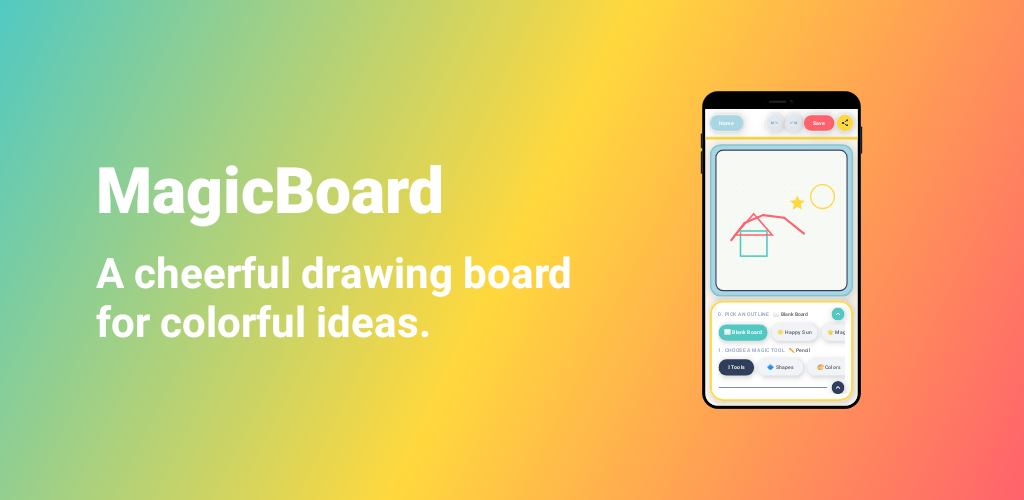
Built for simple creative sessions
MagicBoard focuses on the drawing flow: open a board, make something, save it locally, and share it when you want.
Expressive drawing tools
Use pencil, rainbow, sparkle, line, rectangle, square, oval, circle, triangle, and star tools to create structured or freeform drawings.
Stickers and playful presets
Add star, heart, and sun stickers, then start from blank or themed board outlines like Happy Sun and Magic Star.
Undo, redo, and clear
Experiment freely with editing controls that let you step backward, step forward, or clear the board as one action.
Local saved drawings
Save boards on your device, reopen them later, and rename drawings without needing an account or cloud sync.
Share when ready
Export and share a drawing using the device share sheet. MagicBoard asks for confirmation before sharing by default.
Configurable board settings
Choose the default brush size and background style, and control toolbar, sound effect, music, leave, and sharing confirmations.
Privacy-first by default
MagicBoard does not require an account. Drawings and board settings are stored locally on the device using app storage. The app does not include Firebase, AdMob, analytics, or cloud synchronization in the inspected project configuration.
- Saved drawings stay on the device unless you choose to share or export them.
- Settings such as brush size, background, sounds, and confirmation preferences are stored locally.
- Shared images are handed to Android’s standard share flow, where the destination app controls its own privacy practices.
For the full legal text, read the MagicBoard Privacy Policy.